Import from Photos or Files
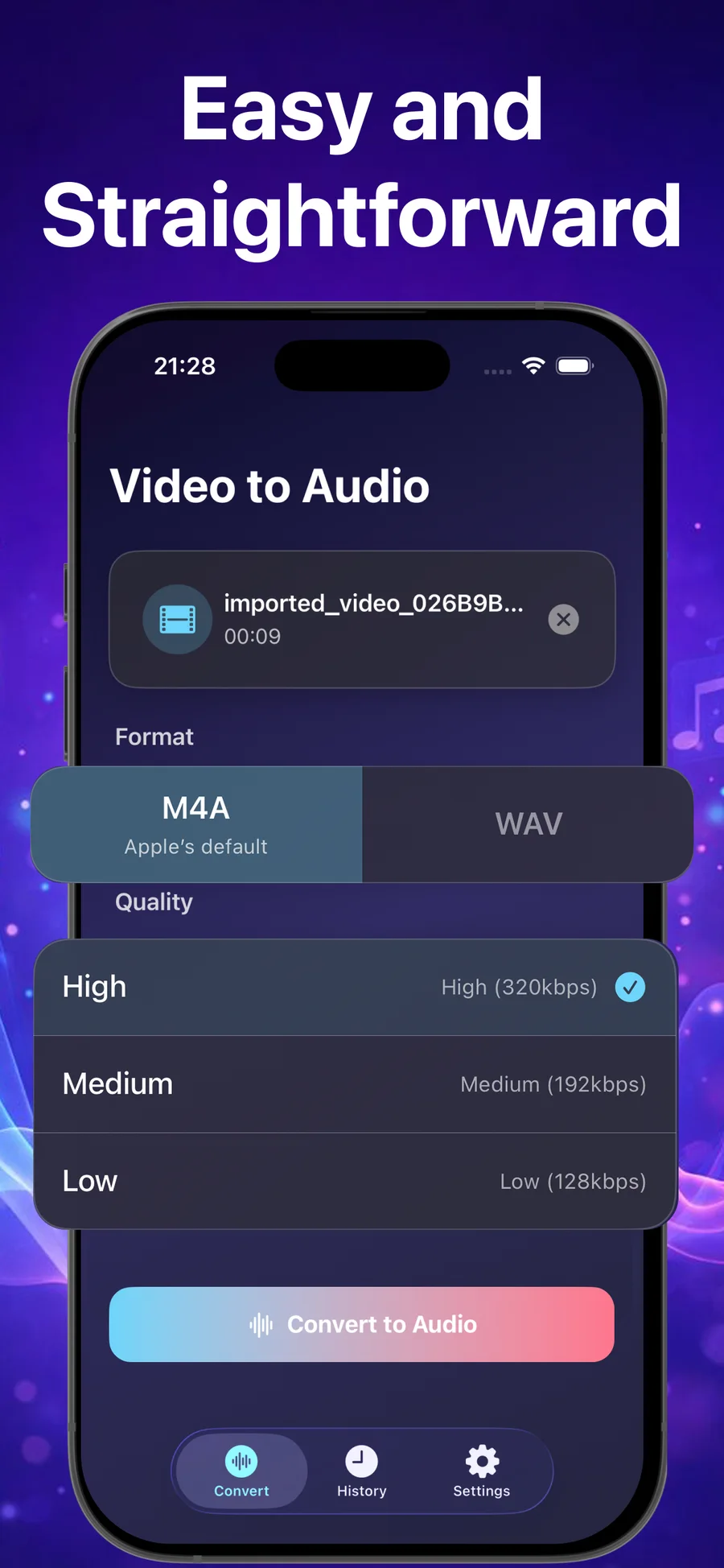
Choose a video from your Photo Library or the Files app and keep the source clip on your device.
Convert Video to Audio - Pro
Video · Audio · Local conversion
Audio extractor for iPhone and iPad
Extract the sound from a video, choose M4A or WAV, select the quality, and keep the complete conversion on your iPhone or iPad.
iOS 17+ · iPadOS 17+ · Apple silicon Mac with macOS 14+ · Offline conversion
Choose a video from your Photo Library or the Files app and keep the source clip on your device.
Pick M4A with Apple’s default AAC encoder or WAV when your editing or production workflow calls for it.
Select High, Medium, or Low quality to match the audio file to how you plan to use it.
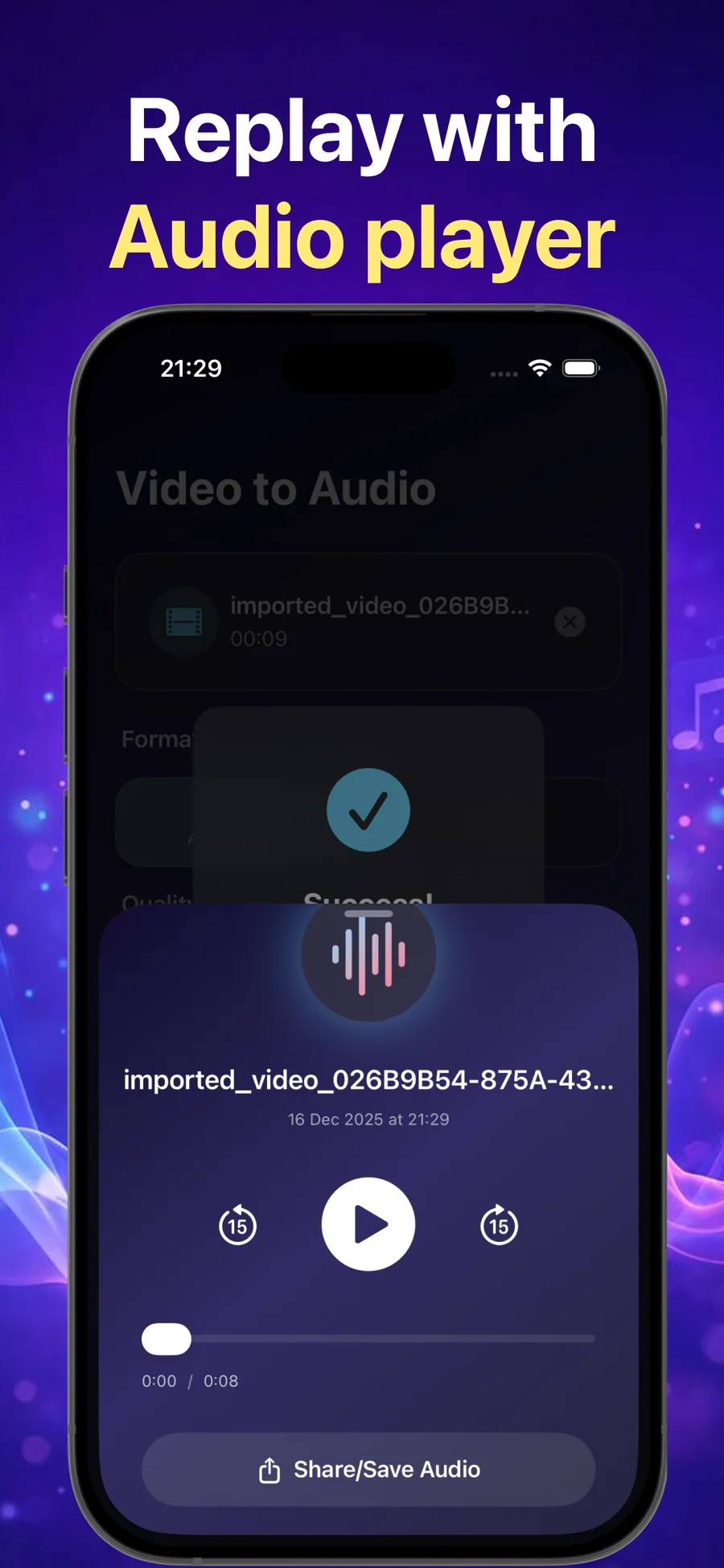
Review converted audio in the built-in player, revisit it in history, and share or save the file.
Choose your audio format
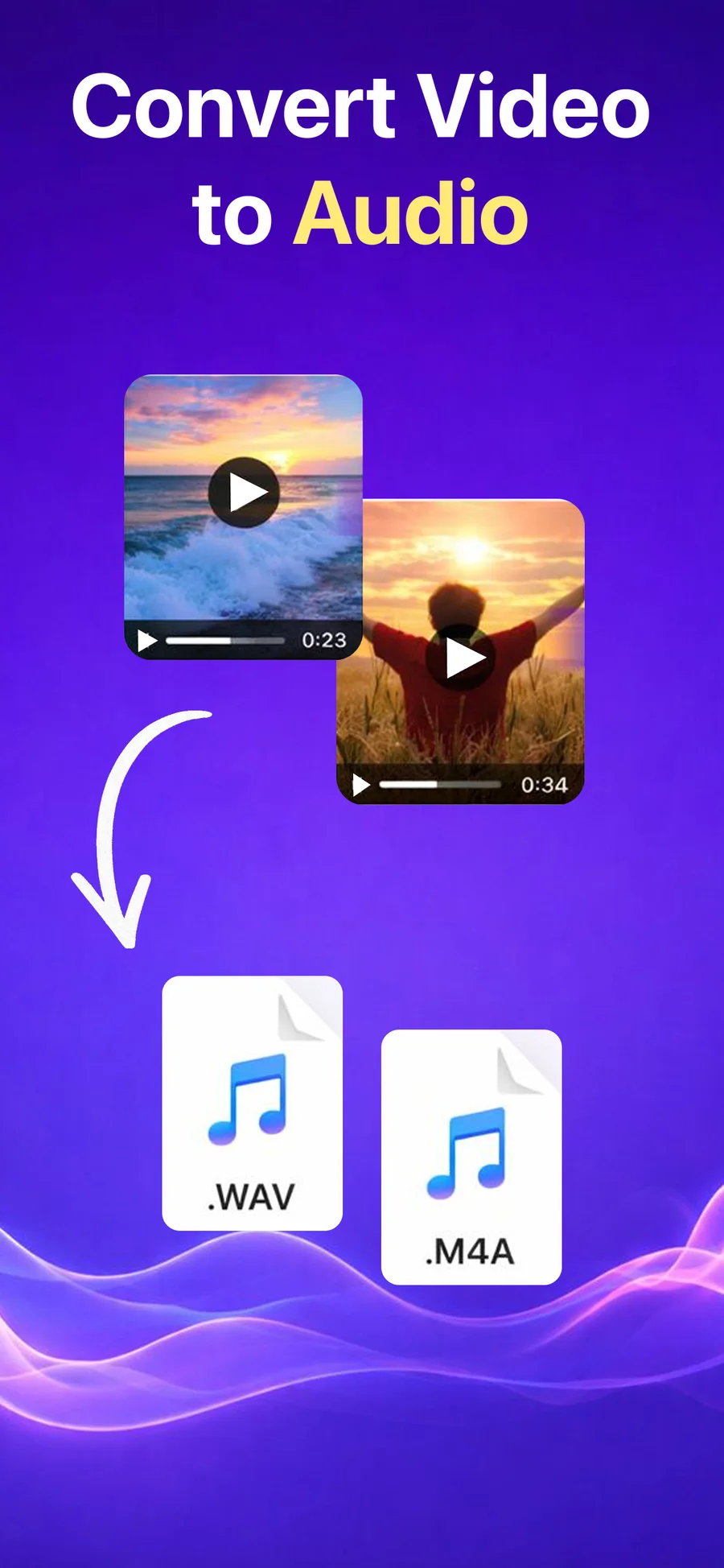
Convert Video to Audio - Pro gives you two clear export paths. Use its AAC-based M4A option for a compact Apple audio file, or choose WAV when the next app or editing workflow calls for that file type.
M4A uses Apple’s default AAC encoder and is a practical choice for sharing, listening, and keeping a smaller audio file.
WAV is widely accepted by audio editors and production tools. Choose it when the next step in your workflow specifically calls for a WAV file.
A focused workflow
The app keeps the main decisions visible, so you can move from a source video to a playable audio file without a complicated editor.
Import a video from Photos or Files and confirm the clip you want to extract.
Choose M4A or WAV, then select High, Medium, or Low audio quality.
Play the converted audio, find it in history, and share or save it from your device.
Conversion history
Converted files stay organized with the file name, format, quality, date, and duration, so a useful audio extract does not disappear after the first listen.
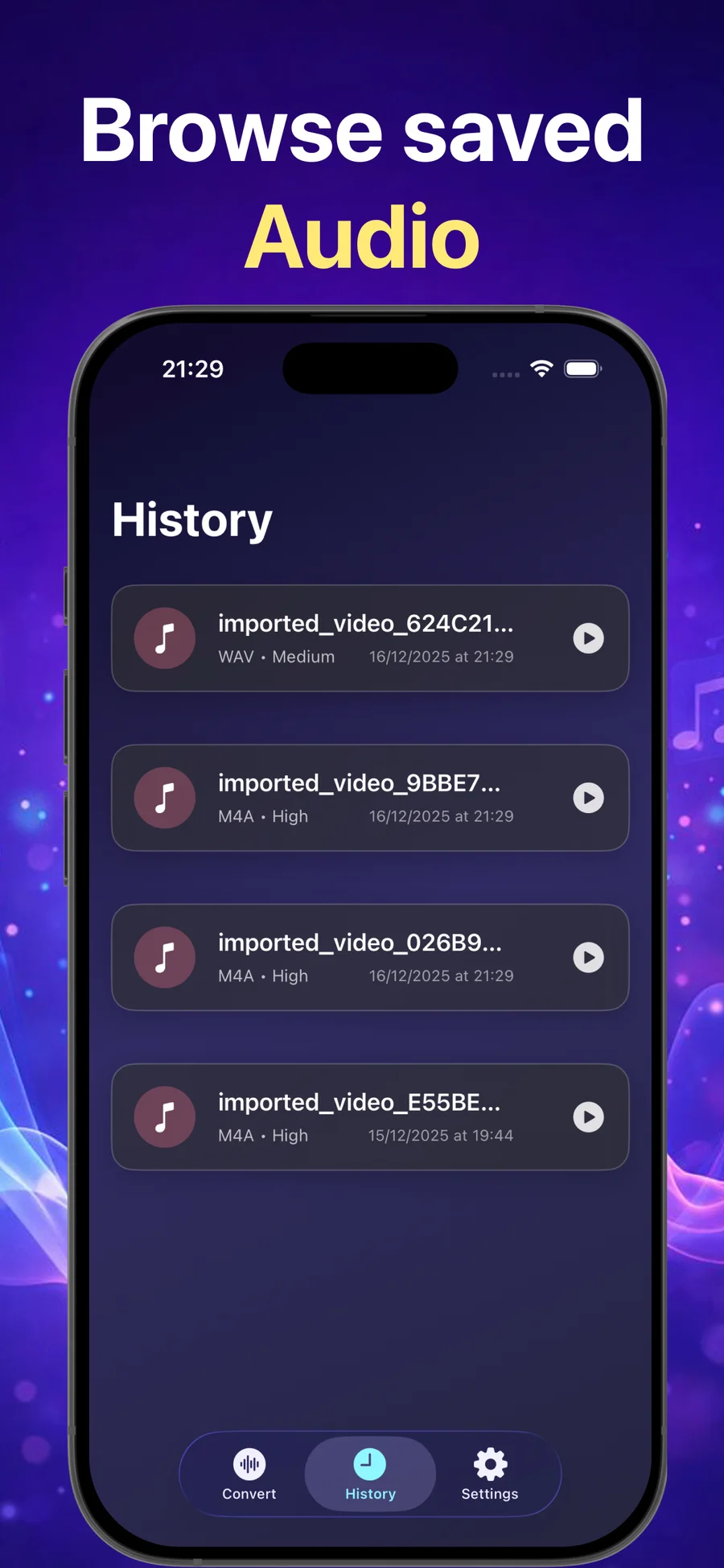
Built-in audio player
Use play, pause, seek, and skip controls to check the extract. When it is ready, use Share / Save Audio to send it to another app or keep it in Files.
Private by design
The official privacy policy says video to audio processing happens locally. Convert Video to Audio - Pro does not require an account, and the listing says the app does not collect data.
Read the privacy summary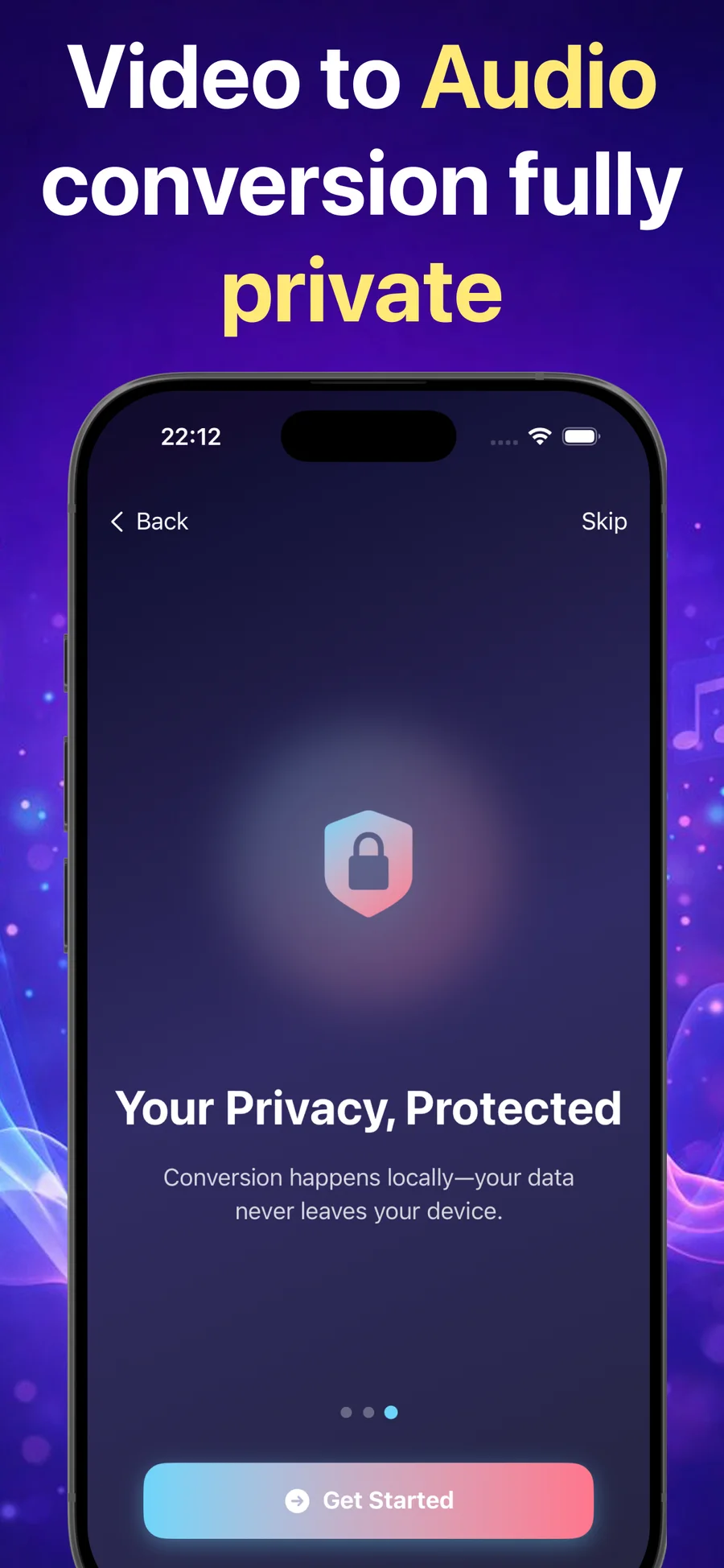
App information
The App Store listing is the current source for compatibility and purchase information.
It is an iPhone and iPad utility for extracting audio from videos. You can import from Photos or Files, choose M4A or WAV, set quality, convert locally, play the result, review history, and share or save the audio.
The App Store description and official privacy policy say processing happens locally on the device and no internet connection is required for conversion.
M4A is a practical default for everyday listening and sharing. Choose WAV when an editor or destination specifically asks for that file type. The better choice depends on your next step.
Convert Video to Audio - Pro supports iPhone with iOS 17 or later, iPad with iPadOS 17 or later, and Apple silicon Macs with macOS 14 or later. Apple notes that the iPhone and iPad app has not been verified for macOS.
Practical guides
3 min read
Import a video, choose M4A or WAV, select an audio quality, convert it locally, and share the saved audio from iPhone or iPad.
Read article3 min read
Compare the app’s AAC-based M4A and WAV exports, including file size, compatibility, editing, playback, and source-quality limits.
Read articleExtract, play, and share audio from iPhone or iPad.