Generate speech from text
Type or paste a script, select a voice, and generate natural-sounding audio directly on your device.
Speech Assistant Offline
Text · Voice · Saved audio
Offline text to speech app for iPhone and iPad
Type or paste text, choose a voice, set the speaking speed, listen with word highlighting, and save or share the generated audio.
Text-to-speech tools
Speech Assistant Offline keeps the complete text-to-speech workflow in one focused iPhone and iPad app.
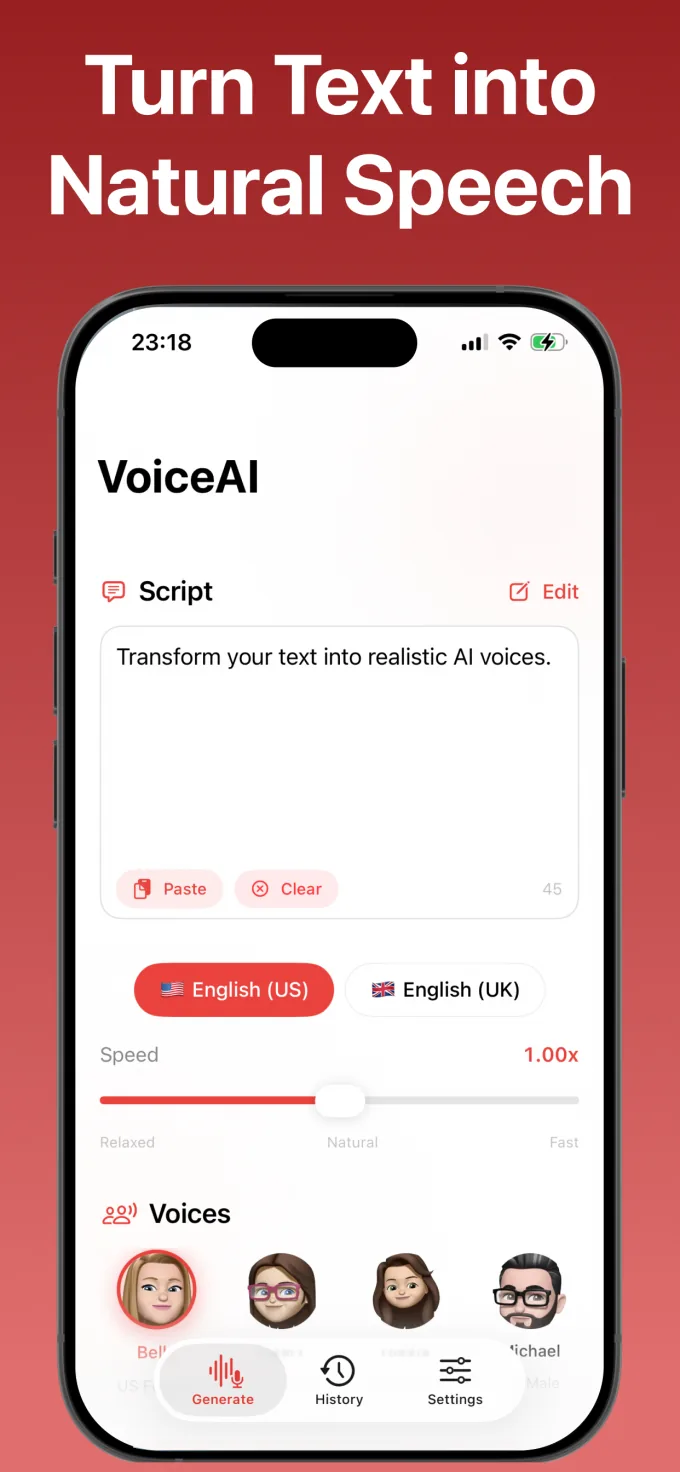
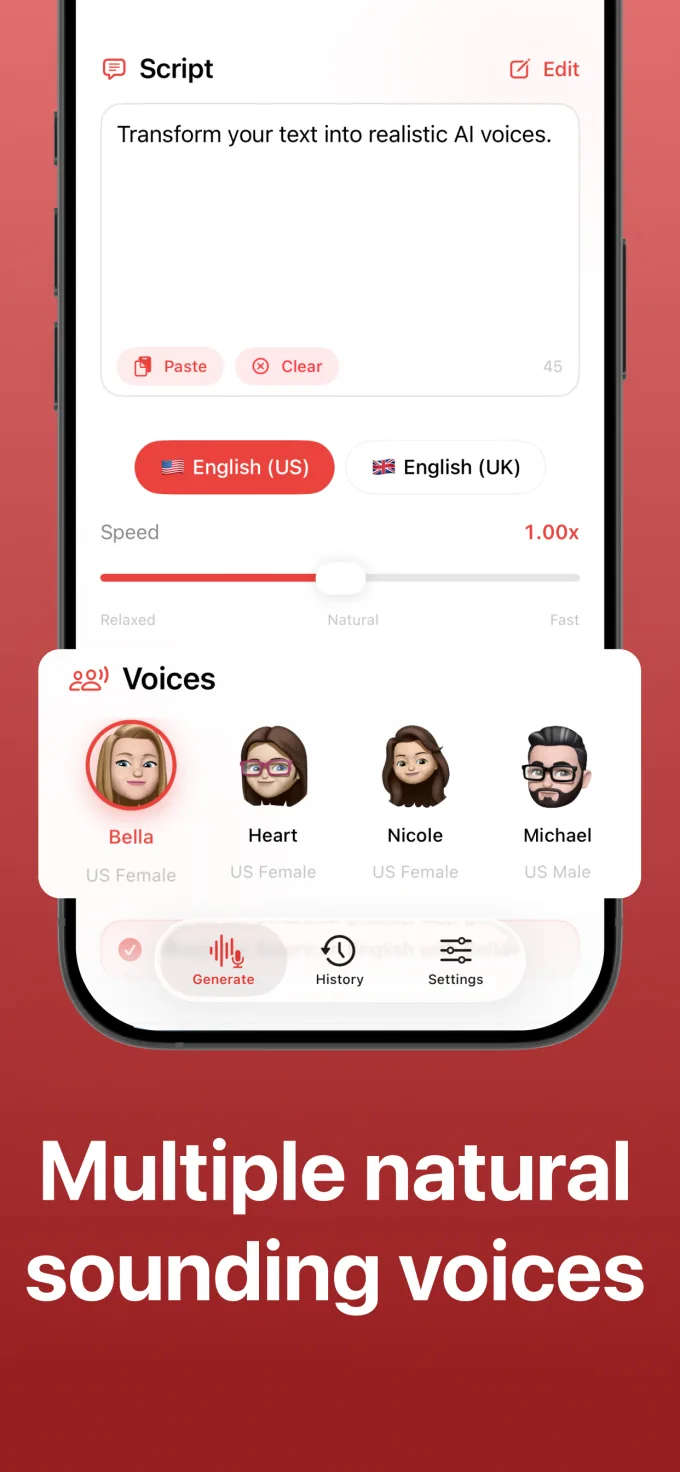
Type or paste a script, select a voice, and generate natural-sounding audio directly on your device.
Switch between available US and UK voices and adjust speaking speed for the content you want to hear.
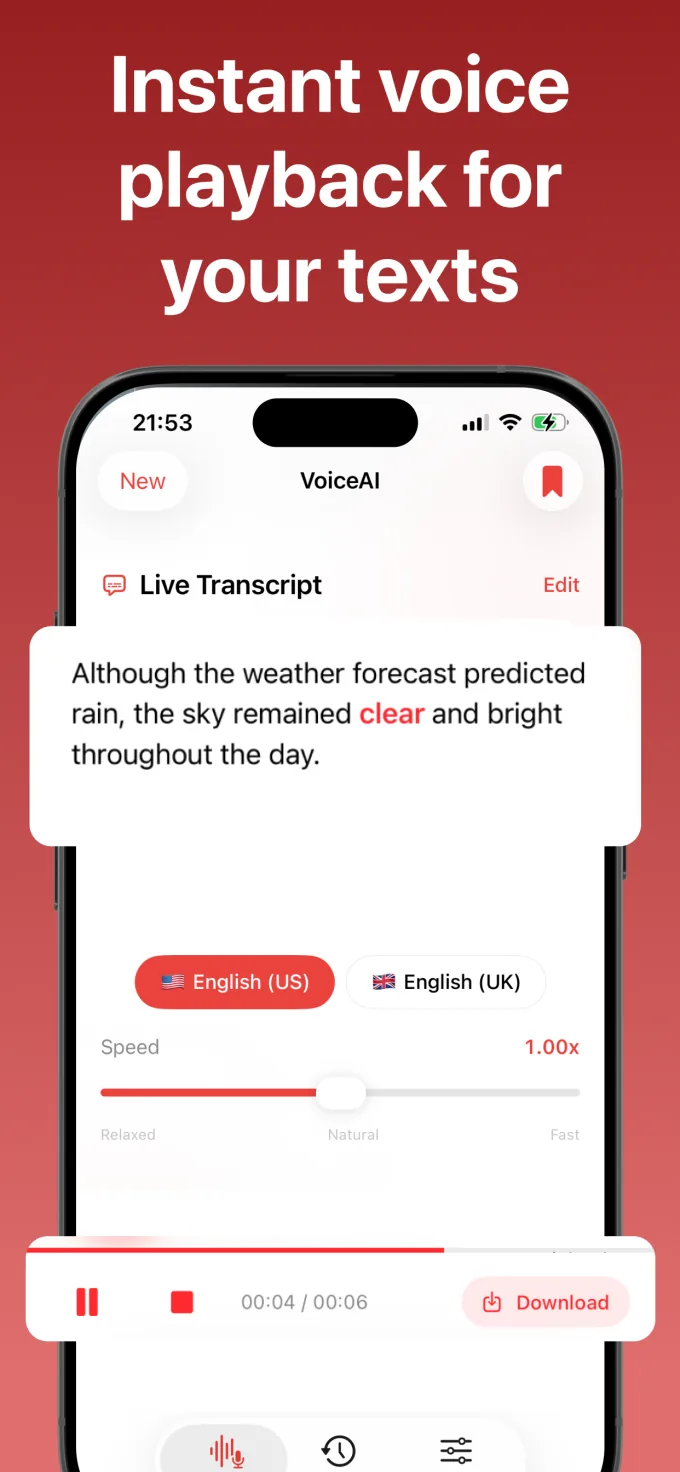
Play, pause, scrub the timeline, and follow highlighted words while the generated speech is playing.
Keep useful generations in history, replay them later, and export or share saved audio when needed.
Playback controls
Play or pause the generated speech, scrub the audio timeline, and follow live word highlighting while the text is read aloud.
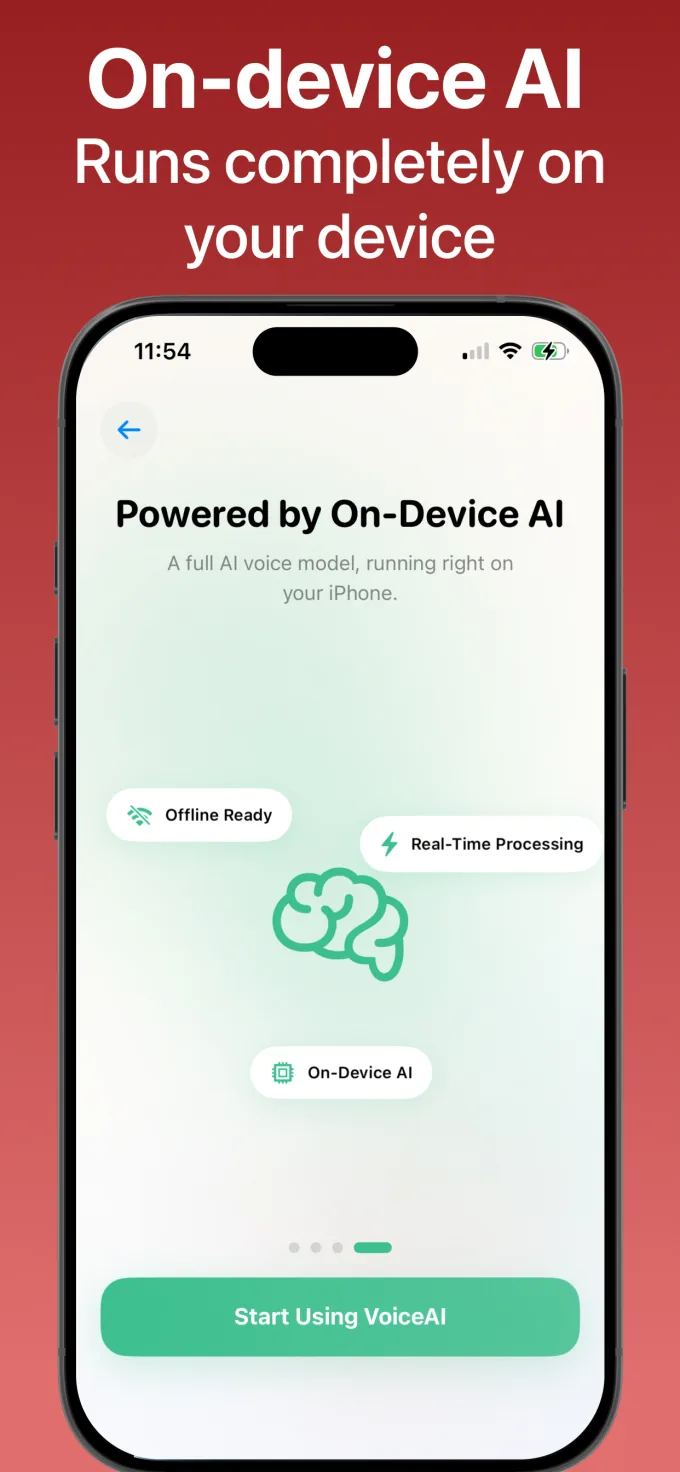
On-device generation
The voice synthesis runs on the device. You can prepare the text, select a voice, generate the audio, and listen without sending the script to a cloud synthesis service.
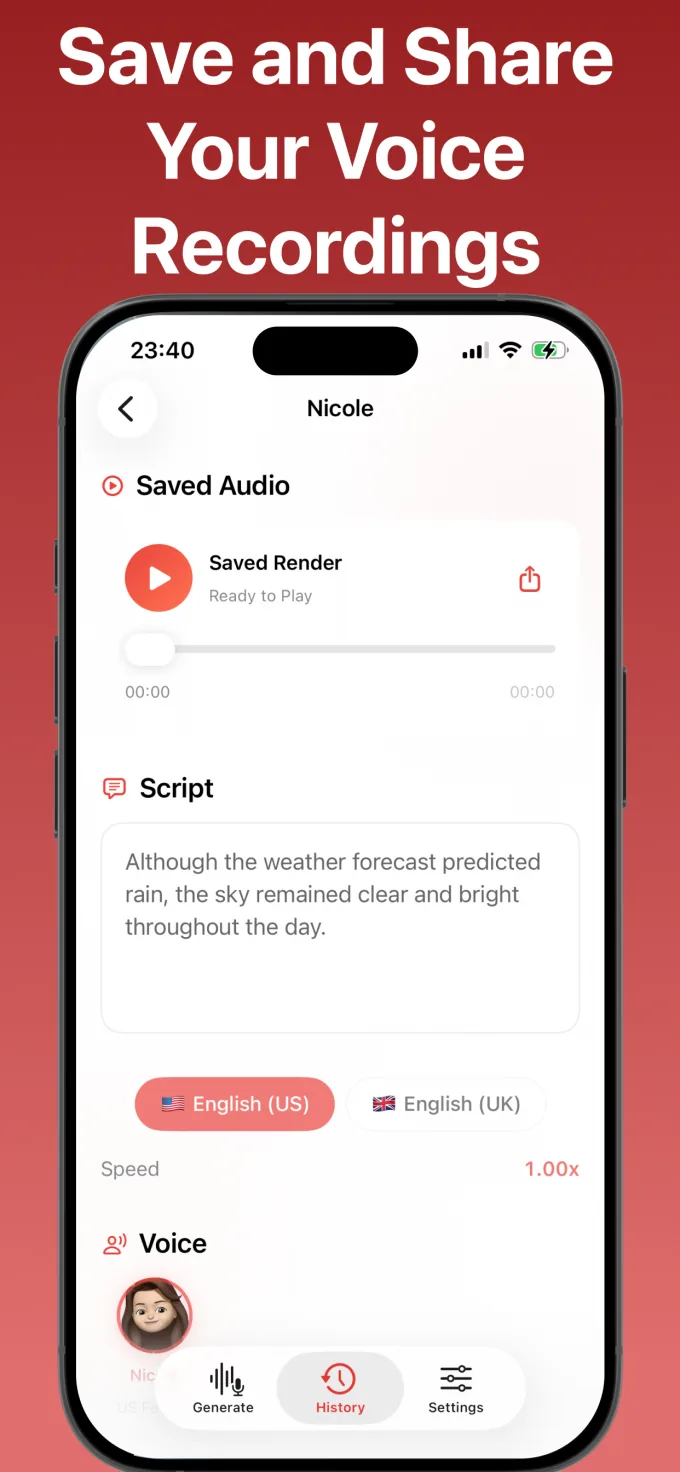
History and sharing
Save completed generations to history, replay the audio, review the original script, and share the saved recording from your device.
Speech Assistant Offline blog
Learn how to prepare text, choose a voice, set the speed, review playback, and save the generated audio.
Read the articleApp information
Speech Assistant Offline is an on-device text-to-speech app for iPhone and iPad. It converts text into spoken audio with voice selection, speed controls, playback, live word highlighting, history, saving, and sharing.
The app is available for iPhone and iPad and requires ios 26 or later. Check the Speech Assistant Offline App Store listing for current availability and purchase information.
Generate speech from text, choose a voice, adjust the speed, save useful audio, and share recordings from iPhone or iPad.