How to identify a plant from a photo with Plant Identifier: AI
Use Plant Identifier: AI to take a useful plant photo, check the result, and avoid common identification mistakes.
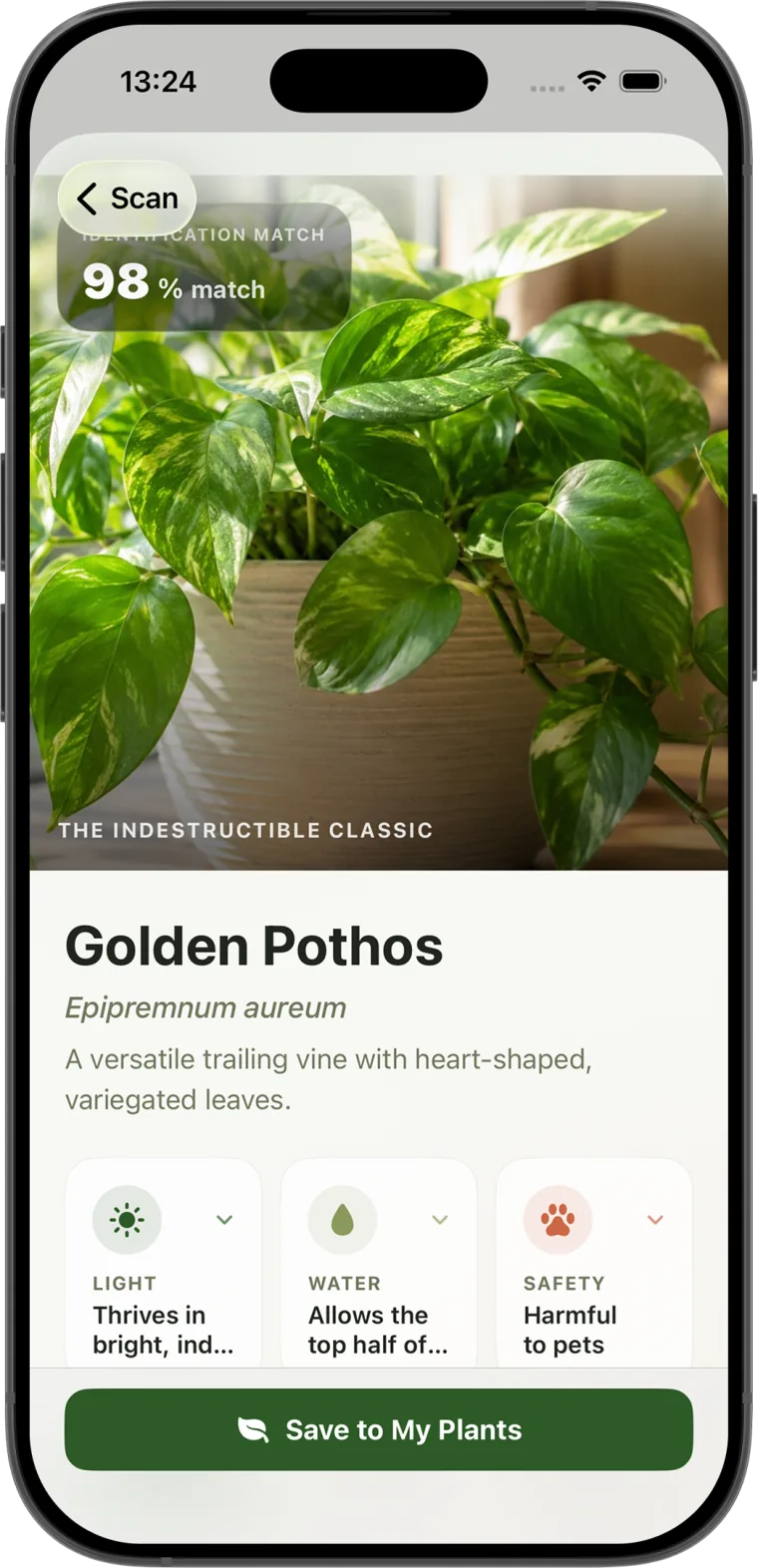
A plant-identification result is only as useful as the photo behind it. A clear image gives an identification tool more visible information to compare and gives you more clues to check before you save the result.
Start with the whole plant
Take your first photo far enough away to include the plant's overall shape. Try to show how the leaves grow along the stems, whether the plant trails or stands upright, and how large it is relative to its pot or surroundings.
A single isolated leaf can look similar across several species. The plant's growth habit often provides the context that separates one likely match from another.
Use soft, even light
Bright shade near a window or outdoors usually works better than harsh direct sun. Strong highlights can wash out leaf markings, while deep shadows can hide veins, edges, and surface texture.
- Turn off colored grow lights before taking the photo.
- Avoid placing the plant directly in front of a bright window.
- Hold the phone steady and tap the plant on screen to set focus.
- Clean the camera lens if the image looks hazy.
Make the plant the obvious subject
Fill most of the frame with the plant you want to identify. If several species overlap in the photo, move the target plant or change your angle. A simple background makes it easier to see leaf outlines and stem structure.
Do not crop so tightly that all context disappears. A useful first image normally contains several complete leaves and at least part of the stem.
Take a second detail photo
If the first result feels uncertain, photograph a characteristic detail. Useful details include the front and back of a mature leaf, the point where a leaf joins the stem, bark texture, thorns, flowers, fruit, or distinctive markings.
For flowering plants, include both the bloom and some foliage. Flowers can be temporary, and leaves help confirm that the suggested species fits the entire plant.
Check the result instead of accepting it immediately
Compare the suggested name with what you can actually observe. Look at leaf arrangement, edge shape, color patterns, growth habit, and expected mature size. If important traits do not match, take another photo from a different angle.
Location can also help. A tropical houseplant, a volunteer plant in a Mediterranean garden, and a tree growing in a cold climate do not have the same likely candidates.
Separate identification from health checking
For identification, choose the healthiest representative leaves you can find. For a health check, take separate close photographs of the affected area and the entire plant. Include both the damaged and healthy tissue so the pattern is visible.
Photo-based health information is a starting point, not a laboratory diagnosis. Several issues can create similar symptoms, and treatment decisions should account for watering, soil, drainage, light, temperature, and recent changes.
A quick photo checklist
- Wipe the camera lens.
- Move into bright, neutral light.
- Show several leaves and the plant's growth shape.
- Keep other plants out of the main frame.
- Take one detail image if the first match is uncertain.
- Compare visible traits before saving the identification.
Plant Identifier: AI lets you scan a photo, review a plant profile, save the match to your library, and add care reminders. A good first photograph makes every following step more useful.